 Free Claude Code plugin for agency owners
Install One Plugin and Claude Code Runs Your LinkedIn.
For agency owners, founders and consultants who run their own outbound. The SDR Pilot plugin gives Claude Code the playbook for how SDR Pilot works, the connection to your own workspace, and live access to the help docs, so it always knows the latest features. Then you work your LinkedIn from a chat: your ICP, your leads, the connection queue, your replies and your numbers.
- One plugin, three commands
- Reads the help docs live
- Same daily limits as the app




What the plugin gives Claude
Three things in one install. Then you type what you want in plain words, Claude calls SDR Pilot's tools, and SDR Pilot does the work on your own LinkedIn account.

The playbook
A skill Claude reads first: how SDR Pilot is put together (your ICP, scoring, the connection queue, conversations), the common workflows step by step, and what it must ask you before it acts.

Your workspace
The connection to your own SDR Pilot workspace, signed in with your own API key. The key is stored in your system keychain, not in a file.
The live help docs
Claude searches and reads the SDR Pilot help docs as they are today, so it looks up how a feature works instead of guessing. When a feature ships and is documented, Claude can look it up the same day.
What you can then have it do

Builds who you target
Reads your website or your best clients and writes your ideal customer profile, then keeps the hard rules, like countries, on top.

Finds the people
Pulls the commenters and reactors off posts in your market, or off one post you point it at, and adds them as leads.

Works the queue
Shows the connection requests waiting to go out, checks them against new rules, and grades them again after you change your ICP.

Reads and answers
Goes through the conversations waiting on you, suggests replies, and sends the ones you approve.

Posts for you
Drafts posts from your content strategy, schedules the one you pick, and sets the link your agent sends when someone comments your keyword.

Reports back
Connection requests sent and accepted, replies, and where you stand against your daily limits, whenever you ask.
Setup in four steps
You need Claude Code and an SDR Pilot workspace with your LinkedIn account connected. Then this takes a few minutes.
Claude Code only, for now. The plugin installs in the Claude Code terminal app. The Claude desktop and web apps are not supported yet.
- 1
Copy your API key
In SDR Pilot, open Settings and click Open DM Champ Settings under API and AI assistants. The key is in the API Key section. No key yet? Click Generate API key. SDR Pilot signs in with your DM Champ account, so there is no separate key to create.
- 2
Install the plugin
In your terminal, add the SDR Pilot marketplace, then install the plugin from it.
1. Add the marketplaceclaude plugin marketplace add sdrpilot/claude-plugin2. Install the pluginclaude plugin install sdrpilot@sdrpilot - 3
Give it your key
Start claude and run the command below, then paste your key when it asks. It is stored in your system keychain, not in a file. Restart Claude Code afterwards so the connection picks it up.
In Claude Code/plugin configure sdrpilot@sdrpilot - 4
Check it sees your account
Start claude, run /mcp and look for the sdrpilot server marked connected. Then send the first prompt below.
In Claude Code/mcpFirst promptWhich LinkedIn accounts are connected to my SDR Pilot workspace, and how many connection requests are waiting in my queue?
Treat the key like a password. It acts as you, with the same permissions you have in the app. Revoking it in DM Champ cuts off every connected assistant and script at once.
Using another assistant? Any assistant that can connect to a remote MCP server with a custom header can reach the same tools and the built in help docs. It does not get the playbook, that comes with the plugin.
https://mcp.sdrpilot.ai/mcpX-API-Key: YOUR_API_KEY
The prompts
Once the plugin is installed, copy one, fill in the brackets and send it in Claude Code. Each card lists the tools it leads Claude to, so you can see exactly what it will call.
Ask how it works
- 1
Look it up in the help docs
Claude searches the live SDR Pilot help docs and answers from the page, not from memory.
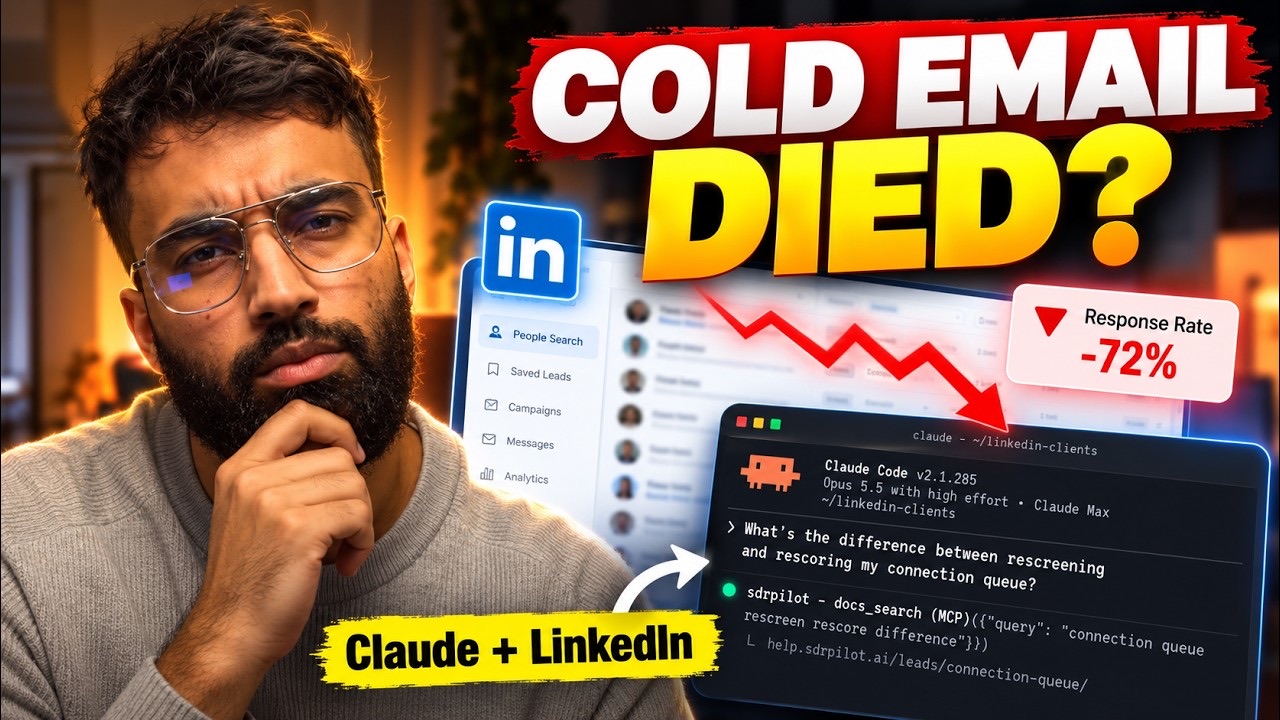
What is the difference between re-checking and re-scoring my connection queue, and which one spends credits? Look it up in the SDR Pilot help docs and tell me which page you read.
docs_searchdocs_read
Targeting
- 2
Propose my ICP from my website
Reads your site and proposes who to target and how your agent should introduce you.
Read my website at [https://youragency.com] and propose who I should be targeting on LinkedIn, and how my agent should introduce me. Show me the proposal and wait for my OK before you create or change anything.
linkedin_analyze_websitelinkedin_create_icp_profile - 3
Teach it from my best clients
Marks real buyers as customers so the ICP is written from what they have in common.
Here are the LinkedIn profile URLs of clients who bought from me: [paste URLs]. Import them as customers on my ICP, then rebuild the ICP from them. Check back until the rebuild is ready and tell me what changed.
linkedin_import_icp_customerslinkedin_rebuild_icp_profilelinkedin_get_icp_profile - 4
Change targeting in plain words
Turns a sentence into a proposed filter change, without saving it.
I want to stop reaching [describe who, e.g. freelancers and people at companies that compete with me]. Propose the ICP filter change for that, explain it in plain words, and only save it after I say yes.
linkedin_propose_icp_filterslinkedin_update_icp_filters - 5
Only accept leads from certain countries
Saves a country allow list and tells you how many queued requests would fail it. Nothing is withdrawn yet.
Read my current ICP rules first, then set my ICP to accept only [the Netherlands and Belgium] and keep every other rule as it is. Tell me what that would do to my connection queue.
linkedin_get_icp_profilelinkedin_update_icp_filters
The connection queue
- 6
Clean the queue after a rule change
A preview of who would be withdrawn and why, per rule. Applies only when you confirm.
Show me what is waiting in my connection queue, grouped by country. Then rescreen the queue against my current ICP rules as a preview only, and tell me how many would be withdrawn and for which rule. Apply it only after I confirm.
linkedin_list_queued_connectionslinkedin_rescreen_queued_connections - 7
Grade the queue again after rewriting my ICP
Asks the AI to score every waiting request again. This one runs straight away, there is no preview.
I just rewrote my ICP description. Score every request still waiting in my connection queue again against it. Tell me how many you queued, then check back later and show me which ones were withdrawn and which stayed.
linkedin_rescore_queued_connectionslinkedin_list_queued_connections
Finding people
- 8
Pull the engagers of one post
Point it at a competitor's or an influencer's post. The people who commented or reacted come in as leads.
Monitor this LinkedIn post: [post URL]. Scrape it now, then tell me how many new leads came from the people who commented or reacted, and show me the ten that fit my ICP best.
linkedin_create_monitored_postlinkedin_scrape_monitored_postlinkedin_list_leads - 9
Find the conversations in my market
Searches recent posts on a topic and hands you the people talking in them.
Search LinkedIn posts from the past week about [your topic]. Show me the five most relevant, then pull the people who commented on the best two and add them as leads tagged [tag].
linkedin_search_contentlinkedin_search_content_engagerslinkedin_create_leads_bulk
Inbox, content and numbers
- 10
Work through the replies waiting on me
A one line summary and a suggested reply per conversation. Nothing is sent until you approve it.
Go through my LinkedIn conversations that are waiting on me. For each one, give me a one line summary and a suggested reply. Do not send anything until I approve a reply by name.
linkedin_list_conversationslinkedin_suggest_conversation_replieslinkedin_send_conversation_message - 11
Send what my post promised
Sets the keyword and the link your agent sends to anyone who comments that word on your post.
Find my latest LinkedIn post that asks people to comment a keyword. Set its DM handoff so that anyone who comments [KEYWORD] gets this link from my agent: [https://your-link].
linkedin_list_my_postslinkedin_set_my_post_handoff - 12
Draft and schedule posts in my voice
Drafts from your content strategy, then schedules the one you choose.
Draft next week's LinkedIn posts from my content strategy, in my voice. Show me the drafts, and schedule the one I pick for [day and time].
linkedin_generate_contentlinkedin_schedule_content - 13
My weekly numbers
Sent, accepted, acceptance rate and replies for the week, plus today against your daily limits.
Give me my LinkedIn numbers for the last 7 days: connection requests sent and accepted, acceptance rate and replies. Then show how today's sending compares with my daily limits.
linkedin_get_analytics_overviewlinkedin_get_connection_statslinkedin_get_outreach_stats

Three habits that make it work
Things the docs spell out that are easy to miss when a chat does the clicking.
Ask for a preview first. The playbook already tells Claude to preview before it applies. Rescreening the queue is a preview until you say apply. Scoring the queue again has no preview and starts right away, so ask for it when you mean it.
Rules are saved as a complete set. Saving ICP rules replaces all of them, and a rule left out is switched off. That is why the country prompt tells Claude to read the current rules first. Saving rules never withdraws anything by itself.
Long jobs come back later. Anything that touches LinkedIn or the AI is queued and the call returns at once: a rebuild, a scrape, a message, a post. Claude gets a receipt, so ask it to check back for the result.

What it will not do
Claude asks. SDR Pilot decides what actually goes out on your account.
No going past the daily limits. 20 connection requests a day by default, with a ceiling of 25. A request sent through a tool counts against the same daily budget as your agent's, and is refused once the day's budget is spent.
No full volume on day one. A newly connected account warms up: 5 connection requests on the first day, one more each day, 20 on day 16. The playbook tells Claude not to switch warm up off or raise limits unless you ask.
Not two things at once. One LinkedIn action at a time per account, from its own residential IP address.
Nothing reaches a real person without your go. The key acts as you, with no per tool permissions. So the playbook has Claude show you what will change and wait for your explicit go before anything that reaches a real person on LinkedIn, cannot be undone, or spends credits.
The full safety model is on the safety page.
 FAQ
FAQQuestions people ask
Is this free?
The plugin, the playbook and the prompts are free. Running them needs an SDR Pilot workspace with your LinkedIn account connected. Plans start at $97 a month for one LinkedIn sender.
Does it work in the Claude desktop or web app?
Not yet. The plugin installs in the Claude Code terminal app only for now. The Claude desktop and web apps are not supported yet.
How does Claude know about new features?
The plugin gives Claude three help docs tools, docs_search, docs_read and docs_list, that read the SDR Pilot help docs as they are today. When a feature ships and is documented, Claude can look it up the same day, with nothing to update on your side. The docs tools never touch your account data.
Can I use another assistant instead of Claude Code?
The plugin is for Claude Code. Any assistant that can connect to a remote MCP server with a custom header can use the same tools and help docs at https://mcp.sdrpilot.ai/mcp, with your key in the X-API-Key header. It does not get the playbook. For scripts there is a plain API on the same key.
Do I need a separate SDR Pilot API key?
No. It is the same key as your DM Champ account, found under API and AI assistants in Settings.
Can Claude send 200 connection requests in one go?
No. The daily limit is 20 by default with a ceiling of 25, and a request sent through a tool counts against the same budget as your agent's. Once the day's budget is spent, the request is refused.
What can Claude see and change in my account?
Everything you can, because the key acts as you and there are no per tool permissions. The playbook has Claude show you what will change and get your go before anything reaches a real person, cannot be undone, or spends credits. Revoke the key in DM Champ to cut every assistant off at once.
Claude shows no SDR Pilot tools. What now?
Run /mcp in Claude Code and check the sdrpilot server is connected. If it is not, run /plugin configure sdrpilot@sdrpilot again, paste the key and restart Claude Code. The key has to come from the same DM Champ account you sign in to SDR Pilot with. A 403 on every tool means that account has no SDR Pilot workspace yet.

The Plugin Is Free. SDR Pilot Does the Work.
Everything above runs on an SDR Pilot workspace with your LinkedIn account connected. Send a DM on LinkedIn to get started. Plans start at $97 a month for one LinkedIn sender.